GoHighLevel Setup Guide: Build Your Agency System Fast
This GHL setup guide walks you through that sequence from start to finish, covering every critical configuration step so your system launches clean instead of needing to be rebuilt three weeks in.
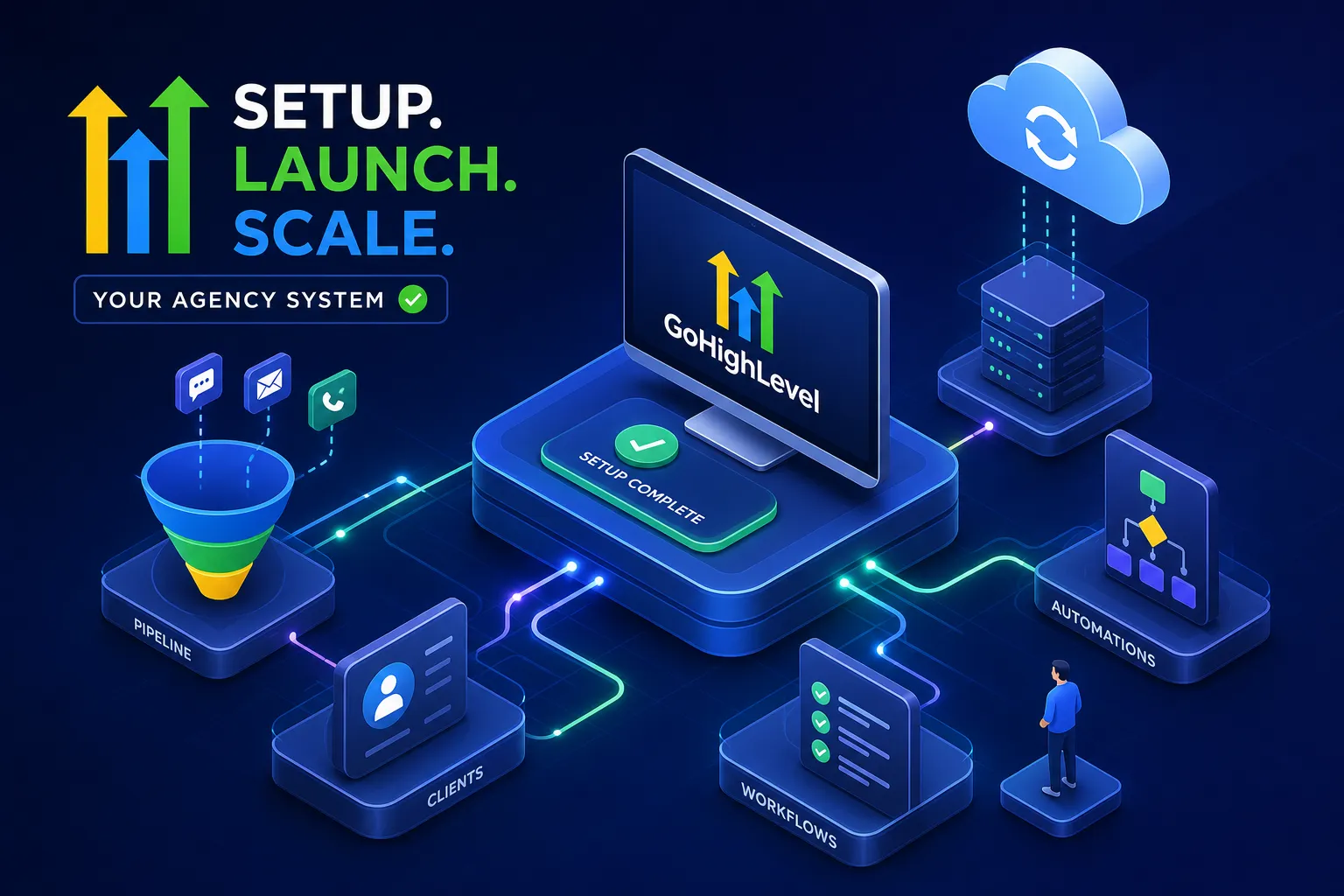
GoHighLevel is one of the most capable platforms available for agencies and service-based businesses, and one of the most disorienting systems to configure without a clear sequence. This GoHighLevel setup guide exists because most agencies spend their first 30 days clicking around in random order: setting up funnels before the CRM exists, building automations before pipelines are defined, then wondering why leads aren't showing up or why emails never land in inboxes.
The platform doesn't fail you. The order of operations does. Agency settings, subaccounts, CRM structure, automations, domains, and Stripe all depend on each other in specific ways. Skip a layer or build it in the wrong sequence, and everything downstream breaks. That's why implementation teams like VELO have developed a repeatable GoHighLevel agency setup process designed to get systems live in around 14 days, because the right sequence makes the build predictable, not because the platform is simple.
This GHL setup guide walks you through that sequence from start to finish, covering every critical configuration step so your system launches clean instead of needing to be rebuilt three weeks in.
GoHighLevel setup guide: Getting your agency account settings right from the start
Most people skip straight to building funnels or client accounts. That's a mistake. Your agency-level settings are the foundation everything else inherits. Configure them wrong and you'll be reworking branding, domains, and access controls across every subaccount you've already created.
Start in Agency View: go to Settings, then Company. Set your Usage Type to "Agency," upload your logo at the recommended 350x180 px dimensions, and add links to your Privacy Policy and Terms and Conditions. These fields appear in some client-facing areas and contribute to both branding consistency and compliance, worth completing before any client ever sees your platform. For details on what to configure at the company level, review the GoHighLevel agency company settings documentation.
For whitelabeling, create a CNAME record at your DNS provider pointing to whitelabel.ludicrous.cloud, then enter your subdomain (something like app.youragency.com) in the Whitelabel Domain field. This makes the platform appear to run under your brand rather than GoHighLevel's. Under Advanced Settings, enable Enhanced Security unless you're running legacy API integrations that require it to stay off, and set Session Timeout to 30, 60 minutes for any shared team environments.
Add your team members through Settings, then Team, and assign roles carefully. Agency Admin and User roles carry very different permission levels. Getting role clarity at this stage prevents access problems across every subaccount you build later, and fixing permissions after the fact is genuinely tedious. If you're unsure about role assignments or permission scopes, consult GoHighLevel's user access guide for best practices.
Creating and structuring subaccounts the right way (GoHighLevel subaccount setup)
Subaccounts, referred to as "locations" inside GHL, are where your clients actually live. Every client gets their own subaccount, and the choices you make during creation determine how much rebuilding you'll do later.
The first decision is account type: SaaS or regular. SaaS accounts are for clients you're billing on a subscription through GHL's billing infrastructure. Regular accounts are for client management only, where billing happens outside the platform. Choosing the wrong type here means restructuring later, so decide based on your delivery model before you create anything.
The creation flow is: Sub-Accounts, then Create Sub-Account, then select your account type, then choose a snapshot or start blank. If you're serving insurance agencies or real estate teams, load an industry-specific snapshot rather than building from scratch. GoHighLevel's snapshots for verticals like P&C insurance or life insurance come pre-loaded with funnels, workflows, and pipelines. Verify these match your client's actual sales motion before handing anything over, snapshots are starting points, not finished builds, see our Financial Services, VELO snapshot for insurance-specific defaults and examples.
Fill in the business address (use Add Manually if the address lookup fails), owner information, niche, phone number, and time zone, then click Add Sub-Account. Always switch into the new subaccount immediately to confirm it loaded correctly before building anything inside it. After creation, add users through Settings, then Team, and assign the appropriate role with permission restrictions tailored to what that user actually needs to access.
GoHighLevel CRM setup: Building your pipeline and lead assignment rules
This is where GoHighLevel either becomes a revenue engine or stays a glorified contact list. The GoHighLevel CRM setup needs to be solid before a single automation is built. Automations running on a poorly structured pipeline don't fix the underlying problem, they just make broken processes move faster.
Navigate to CRM, then Pipelines, then Add Pipeline. Build stages that mirror your actual sales motion rather than generic defaults. For insurance agencies, that typically looks like:
-
New Lead
-
Contacted
-
Quote Requested
-
Quote Sent
-
Follow-Up
-
Ready to Bind
-
Closed Won
-
Closed Lost
For real estate teams, something closer to:
-
New Lead
-
Discovery Call Booked
-
Property Tour
-
Offer Submitted
-
Contract Signed
-
Closed
Limit each pipeline to four to seven stages. More stages reduce clarity and make stage assignment harder for reps, which in turn makes forecasting unreliable. Keep it tight.
Add custom fields at the contact or opportunity level to capture the data that actually matters in your vertical: policy type, property type, AUM range, lead source. These fields feed your automations and your reporting. Skipping them means manually tagging contacts and second-guessing attribution later.
For lead assignment, use Workflows to create automatic routing triggers: when a new contact is created or a form is submitted, assign to the correct rep based on source, tag, or form field. For multi-rep teams, set up round-robin distribution by adding the Assign to User action inside your workflow, selecting all reps in the rotation, and setting Split Traffic to Equally. For guidance on configuring fair rotation and minimizing assignment gaps, review round-robin lead distribution best practices. Add an Internal Notification action immediately after the assignment step so the assigned rep gets an SMS or email the moment a lead hits their queue. The notification must come after the assignment action or it won't target the right user.
Before building any sequences, configure Custom Values in Agency View under Settings, then Custom Values. These are reusable variables for your agency phone number, booking links, and offer names that inject dynamically into every email, SMS, and workflow. Get this layer right once and every template becomes reusable across subaccounts without manual editing.
Core automation workflows that do the actual work
Automations built on a clean CRM structure run reliably. Build them before that structure is confirmed and you'll end up with invisible bottlenecks, the kind where a lead is technically in a sequence but nobody can tell why it stalled. Build your workflows only after pipelines and custom fields are set.
Every GoHighLevel build needs a lead response sequence as its first workflow. Trigger on New Contact Created or Form Submitted, then send an immediate SMS and email to the lead with personalization tokens, fire an internal notification to the assigned rep, and add a wait step before follow-up number two. Speed matters here. Research consistently shows that faster initial responses improve contact rates significantly, a lead who submits a form and hears back within the first minute is far less likely to move on to a competitor.
Pipeline stage-based triggers are the second layer. When a contact moves to a new stage, a relevant follow-up sequence fires automatically. Behavioral triggers extend this further: email opened, link clicked, appointment not booked, appointment no-showed. Each of these should branch into its own response path using If/Else logic inside the workflow. This handles opted-out contacts, existing customers, and unqualified leads without requiring manual sorting by your team.
Pair every high-value automation with a Task Created action so reps have a logged to-do in the CRM alongside the automated sequence. For regulated industries, this also creates a documented activity trail. Without internal task creation or rep notifications, automations create silent pipeline stalls: the lead is being nurtured, but no human knows to follow up. The lead goes cold and nobody notices until it shows up as Closed Lost three weeks later.
GoHighLevel domain setup, email deliverability, and Stripe integration
These three technical steps trip up more agencies than any other part of the GoHighLevel setup. All three have downstream consequences that don't surface until weeks after launch, which is exactly why they get skipped.
For your funnel domain, go to Settings, then Domains, then Add New Domain. Subdomains use a CNAME record pointing to sites.ludicrous.cloud. Root domains use an A record pointing to 162.159.140.166. SSL generates automatically once DNS is verified. DNS propagation takes 24, 48 hours, so add these records before you need the domain live. Always click Check DNS inside GHL after updating records to confirm the connection before assuming it worked. If you want a step-by-step walkthrough for connecting domains in GHL, see this GoHighLevel domain guide.
Email deliverability depends on a dedicated sending domain, not GHL's shared infrastructure. Go to Settings, then Email Services, then Dedicated Domain and IP, then Add Domain. Use a subdomain such as mail.yourdomain.com. GHL will provide the TXT, CNAME, and MX records you need; add them at your DNS provider and set TTL to 300 seconds where possible to speed up verification (this follows GHL's email services documentation as a best-practice recommendation). Skipping this step means your campaigns run through shared sending infrastructure, which tanks deliverability and sends your carefully built nurture sequences to spam.
For the GoHighLevel Stripe integration, go to Agency View, then Billing or Payments, then Integrations, then Connect with Stripe and authorize through the LeadConnector modal. The common "null" product error happens when no pricing tiers exist in the SaaS Configurator. Build your plans in the SaaS Configurator first and GHL syncs them to Stripe automatically. For client subaccounts, connect Stripe separately inside each subaccount under Payments, then Integrations. GHL only tracks transactions created through GHL after the connection is live, payments made directly in Stripe before that point will not sync. If you need a practical Stripe integration walkthrough, this guide on how to integrate Stripe with GHL is helpful.
The right launch sequence for your first 30 days
Weeks one and two belong to foundation work: agency branding, whitelabel domain, email sending domain, subaccount creation with correct snapshots, pipeline structure, custom fields, and lead assignment rules. Data integrity built at this stage determines whether automations run reliably or require constant manual intervention down the line.
Weeks three and four are for automations, Stripe, and testing. Build core workflows only after the CRM structure is confirmed. Connect Stripe and verify the SaaS Configurator pricing tiers sync correctly. Then run a full test: submit a form, confirm the contact appears in the correct pipeline stage, verify the automation fires, check that the assigned rep receives their notification, and confirm the lead receives the correct follow-up sequence. If anything in that chain breaks during testing, it would have broken with a real lead. Find it now.
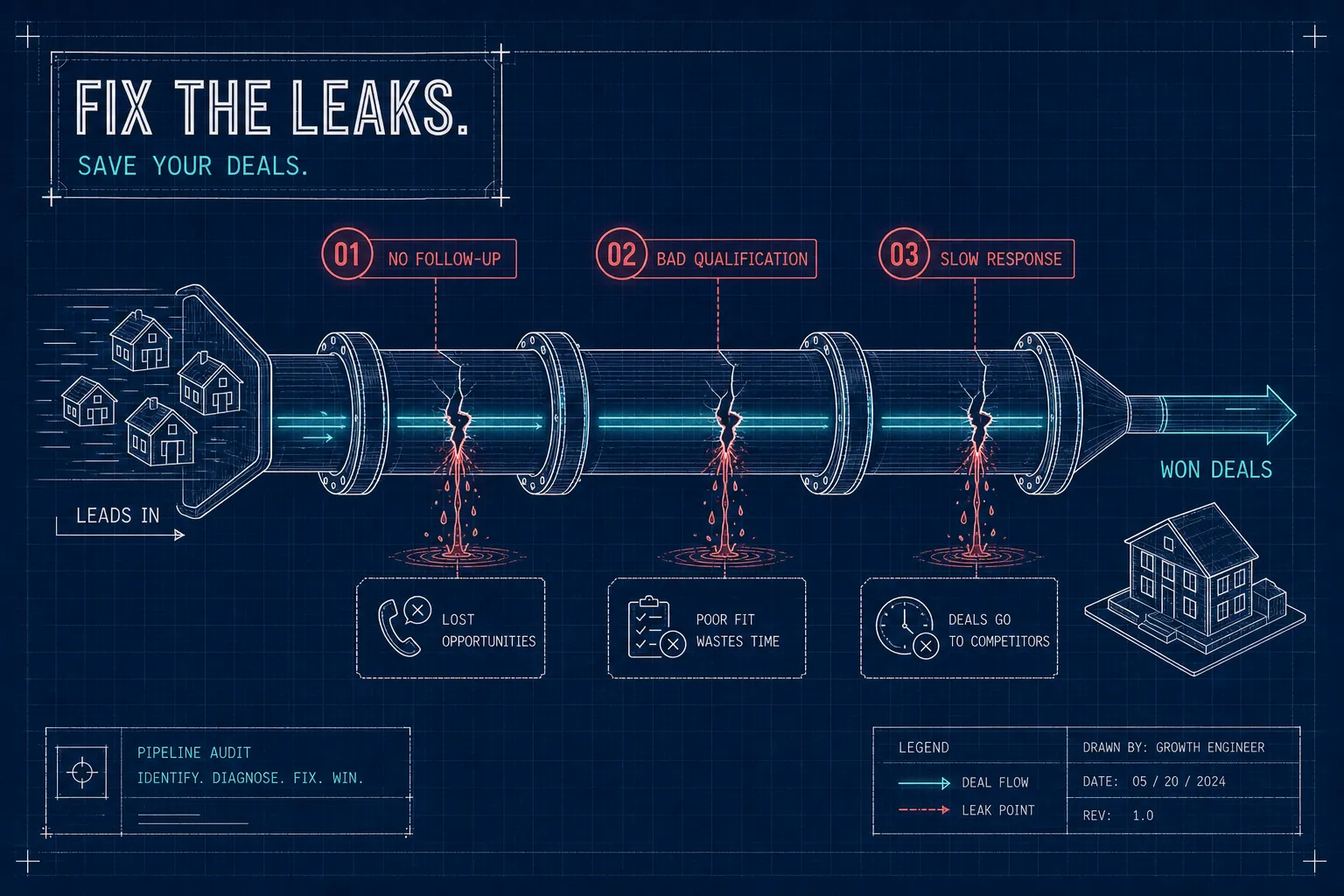
Most teams can handle agency settings and basic subaccount creation on their own. Pipeline logic, workflow branching, GoHighLevel domain setup, and compliance-aware SMS sequences are where configuration errors compound, and where debugging costs you days rather than hours. That's the gap VELO fills. VELO's GoHighLevel onboarding model is designed to get fully operational systems live and running, handling the technical build so agencies can focus on serving clients instead of troubleshooting DNS propagation and broken automation branches. The free pipeline audit includes a written roadmap identifying your highest-leverage setup gaps, delivered within 48 hours of your call. Learn more about our Foundation Build offering at Foundation Build, VELO.
Build it right once
The sequence matters more than the speed. Every layer of this GoHighLevel setup guide feeds the one that follows: agency settings lock in your branding and security baseline before subaccounts are created; subaccounts built with the right snapshot and account type avoid structural rework; CRM pipelines defined before automations give your workflows something solid to trigger against. Domains and email authentication handled before launch mean your campaigns actually reach inboxes, and Stripe connected after SaaS Configurator plans exist means billing runs without null product errors.
GoHighLevel can replace multiple tools for many agencies once it's configured correctly, but that configuration ceiling is steep without a clear build plan. The cost of building in the wrong order is weeks of rework during the exact window when you should be onboarding clients.
If you want expert hands on the build rather than another week of debugging, VELO's deployment model gets your system live and operational without shortcuts. Start with the free pipeline audit, visit VELO, CRM & Revenue Systems Agency | Built to Move, submit your details, and you'll have a written gap analysis with a prioritized roadmap within 48 hours.