Best CRM for Real Estate Teams in 2026: Top 3 Compared
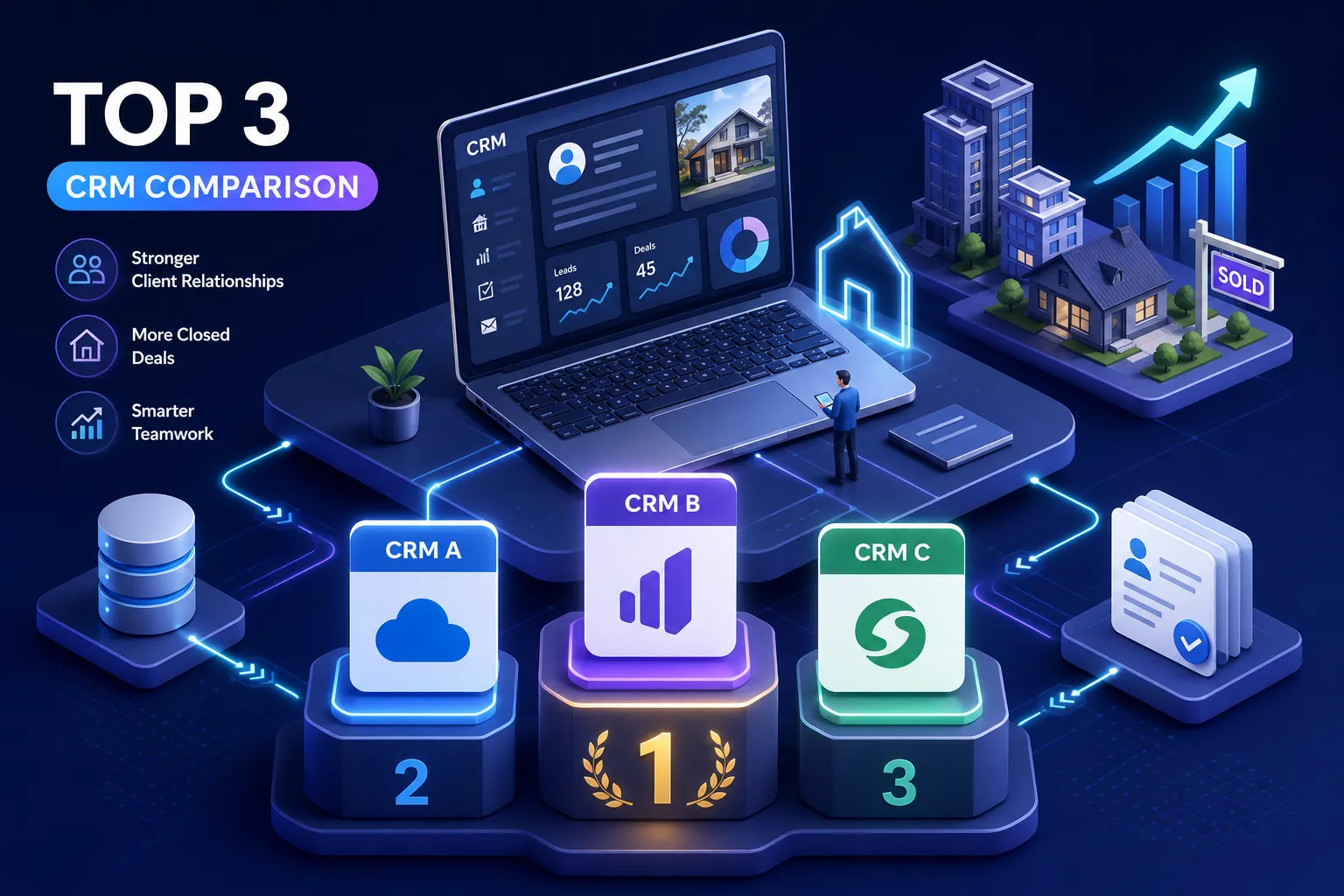
This guide cuts through the noise on three platforms built for different versions of your team: GoHighLevel, Follow Up Boss, and HubSpot. By the end, you'll know which platform fits your size, how pricing actually stacks up when you add the real costs, and what to audit before you commit to anything.
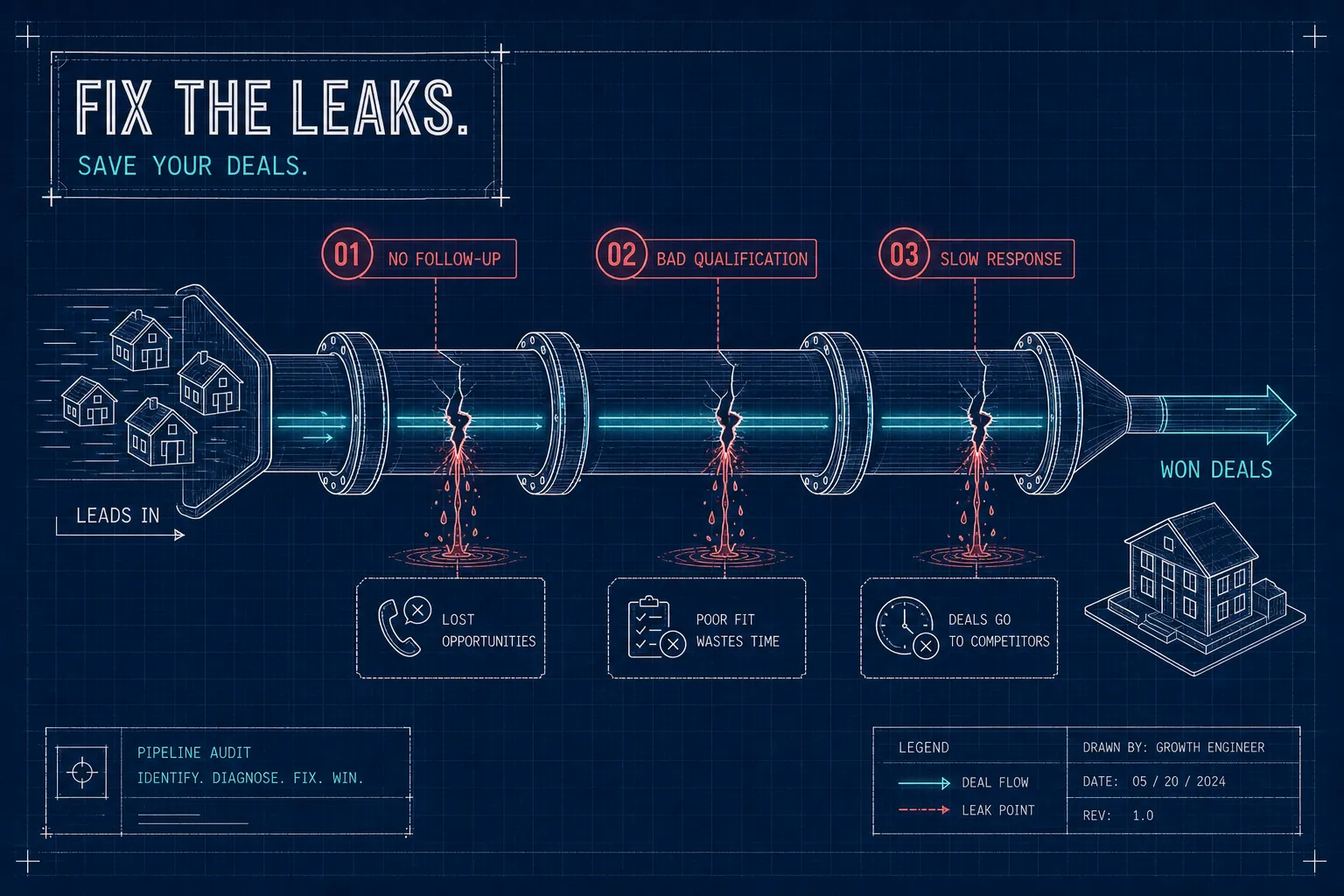
What is the best CRM for a real estate team in 2026? It depends less on features than you'd think. Most real estate teams aren't struggling because they lack a CRM, they're struggling because of a follow-up speed problem and a lead accountability gap that no software fixes on its own. Based on pipeline audits we've run at VELO across dozens of teams, teams almost always have a CRM account open somewhere. What they're missing is a system that routes leads the moment they arrive, assigns them to the right agent, and nurtures contacts who don't convert in week one. That's a configuration problem, not a shopping problem.
This guide cuts through the noise on three platforms built for different versions of your team: GoHighLevel, Follow Up Boss, and HubSpot. By the end, you'll know which platform fits your size, how pricing actually stacks up when you add the real costs, and what to audit before you commit to anything.
The 3 things that separate a useful CRM from an expensive contact list
Before we talk platforms, you need a clear standard for what "useful" means. A CRM that doesn't move these three levers is just a contact database with a monthly fee.
Lead routing speed: why the first 5 minutes decide everything
The national average response time for real estate leads is 15 hours, according to NAR data. The conversion math on that number is brutal: leads contacted within 5 minutes are 21 times more likely to qualify than those contacted at the 30-minute mark, and 78% of buyers work with the first agent who responds. A CRM with built-in routing rules that auto-assign by zip code, source, or agent capacity solves this. Manual lead distribution through a group chat does not, teams that switch from manual routing to automated assignment consistently see meaningful conversion gains on the same lead source and the same budget.
Agent collaboration and pipeline visibility
Team leaders need to see every agent's pipeline in real time, not just aggregate totals at the end of the month. Without shared contact histories, team inboxes, and role-based dashboards, your top leads disappear into individual agent inboxes and nobody follows up after the second unanswered text. The right real estate CRM for a team gives you that visibility without requiring you to babysit the process daily, through features like real-time activity dashboards, shared audit logs, and role-based access controls.
Long-cycle nurture for 6- to 12-month buyers
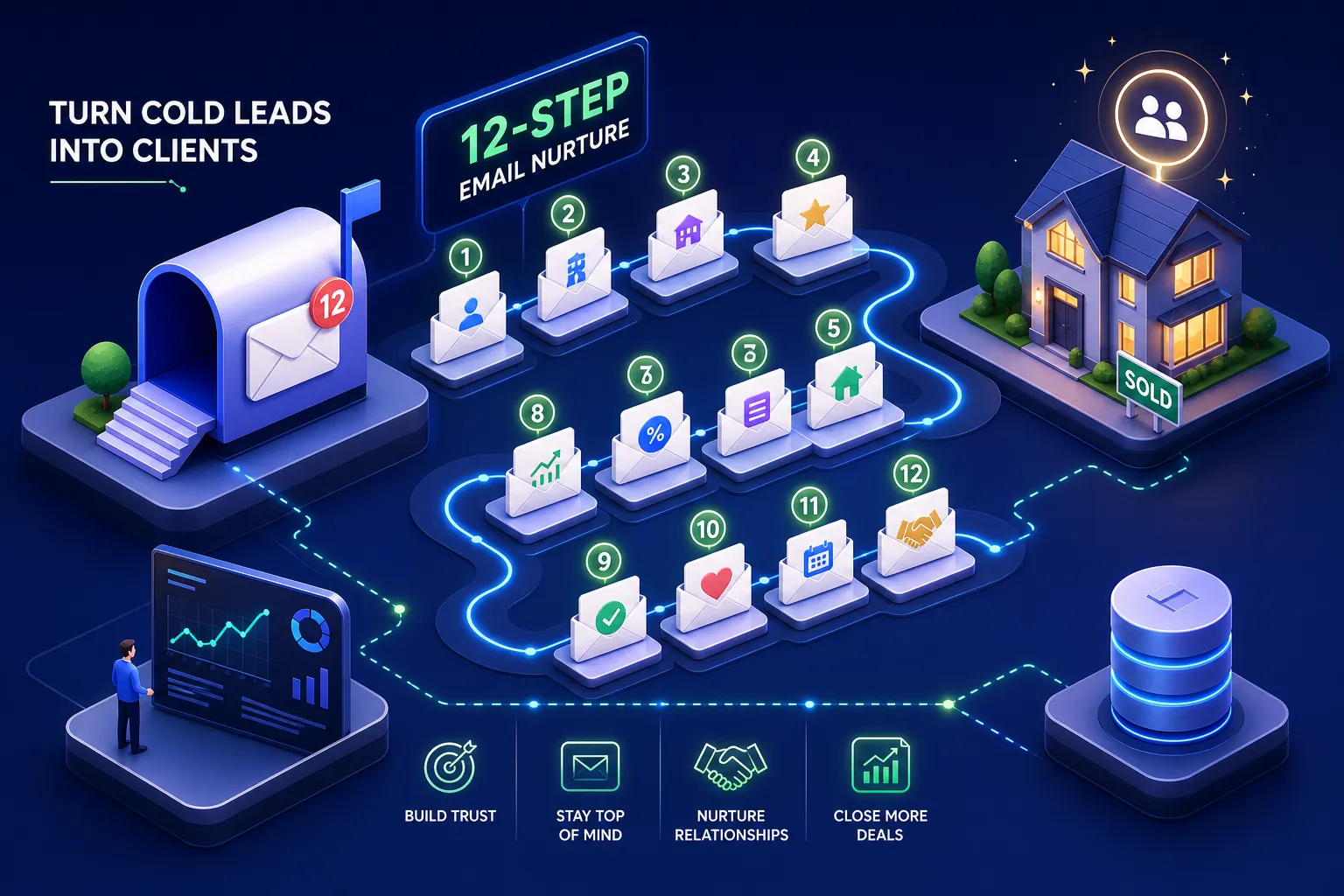
Real estate buying cycles can stretch a year or more. A CRM that doesn't support behavioral-trigger drip sequences forces agents to nurture manually. Those triggers should change based on whether someone opened an email, clicked a link, or no-showed an appointment, without that logic, agents are left to track it by hand. Agents don't do that consistently. This gap is one of the highest-leverage revenue leaks in most brokerages, and it's invisible until you look at the data on dormant leads.
What is the best CRM for a real estate team in 2026? Start here.
The answer comes down to three platforms, each built for a different team profile. Here's how they break down.
GoHighLevel: the automation engine for teams who want full control
GoHighLevel is not a real-estate-native CRM. It's a highly configurable automation platform that rewards teams willing to invest in the build, or work with a partner who does it for them. For brokerages already running paid ads who need one system to manage the full funnel, it stands out from other CRM options for real estate teams in 2026.
What it does well for real estate
GoHighLevel handles multi-step SMS and email automation, custom pipeline stages, lead routing logic, funnel building, and appointment booking inside one platform. For brokerages running their own Meta or Google ads, this is genuinely valuable: you can manage ad leads, booking flows, and follow-up sequences without stitching together five separate tools. Attribution from ad spend to booked appointment becomes measurable in a single dashboard, a capability most real-estate-native CRMs don't offer out of the box without additional integrations or third-party tools.
Where it requires more setup investment
GoHighLevel is a blank canvas. Without proper configuration, teams end up with a powerful tool they barely use. There's no native MLS or IDX connection, no real-estate-specific pipeline templates pre-loaded, and agent onboarding can be rough if the system hasn't been built with a clear workflow in mind. If MLS or IDX integration is required, many teams augment the platform with a specialist IDX provider to close that gap (IDX integration solutions ). The platform rewards investment in setup: teams that work with an implementation partner get a system that runs; teams that don't often get a very expensive contact list.
Pricing and best-fit profile
GoHighLevel is often the most cost-effective option for teams with complex automation needs, particularly when you factor in what it replaces: funnel builders, email platforms, booking tools, and reputation management apps. Best fit: tech-forward brokerages and teams already running paid ads who want one system to close the attribution loop from click to closed deal. For a deeper independent comparison, see this GoHighLevel vs Follow Up Boss analysis (GoHighLevel vs Follow Up Boss comparison ).
Follow Up Boss: the real estate-native choice for growing brokerages
Follow Up Boss was built for residential real estate teams, and that specificity shows in how it handles everyday agent workflow. It's the closest thing to a plug-and-play solution in this comparison, and for many brokerages evaluating lead management software, it's the starting point.
Lead routing, Zillow sync, and team inbox
Follow Up Boss auto-syncs Zillow Premier Agent leads via a direct API integration that delivers leads in under 90 seconds, with no middleware lag. It routes them automatically based on zip code, price point, MLS number, round-robin, or first-to-claim logic, and triggers a personalized text within seconds of arrival. Teams using this native Zillow connection convert 16% more connections than those using third-party middleware. The shared team inbox gives managers full visibility without requiring agents to manually log every interaction. (See the official Zillow Premier Agent integration for details.)
Pricing is tiered and straightforward. The Grow plan runs $69 per user per month (or $58 annually). The Pro plan is $499 flat per month for up to 10 users, which works out to about $50 per user.
The Platform plan is $1,000 flat per month for up to 30 users, dropping to roughly $33 per user. One important cost reality: the built-in dialer is not included in the Grow plan. Add the $39-per-user dialer fee and the true cost for solo agents on Grow climbs to $108 per month. For larger teams on Pro and Platform, the dialer is included, which makes the per-seat math significantly better.
Best-fit profile and key limitations
Follow Up Boss is excellent for residential teams between 3 and 50 agents. It integrates with 250-plus apps via Zapier, connects directly to Dotloop and DocuSign, and offers a 14-day free trial with no setup fees and no long-term contracts. The limitation is marketing automation depth. For teams running complex multi-channel nurture, Follow Up Boss typically needs to be paired with a separate email marketing tool, which adds cost and complexity.
HubSpot: the data-driven option for brokerages with a real marketing operation
HubSpot is not built specifically for real estate. For brokerages investing seriously in inbound lead generation and wanting predictive insights baked into their pipeline, it's a strong contender, particularly for teams that need more than a standard CRM with MLS integration.
AI lead scoring and predictive deal insights
HubSpot's predictive lead scoring ranks contacts based on engagement patterns: emails opened, pages visited, forms submitted, time since last touch. It surfaces deals at risk before they stall, which is a genuine edge for teams managing large pipelines across multiple agents. The AI tools can draft follow-up emails and convert call transcripts into action items, reducing the admin load on agents who should be spending time with clients, not typing summaries. For background on how AI lead scoring is being applied in real estate, see this overview of AI CRM for real estate and a practical primer on AI lead scoring for real estate.
Marketing automation depth and agent workflow fit
HubSpot's automation builder handles multi-branch drip sequences, behavioral triggers, and lead scoring thresholds that most real-estate-native CRMs can't match. The tradeoff is complexity: the system requires proper configuration to deliver its value, and agents who aren't accustomed to a structured CRM workflow often resist adoption without dedicated training and change management. Zillow integration exists via Zapier, and Dotloop and DocuSign connect through standard connectors.
Pricing and best-fit profile
Sales Hub Professional runs $90 per seat per month on an annual contract, plus a one-time $1,500 onboarding fee. A 10-agent team pays $900 per month plus onboarding, with no real-estate-specific discounts. That's not cheap, but the reporting suite, automation depth, and AI tooling justify the investment for the right team. Best fit: larger brokerages or teams with a dedicated marketing or operations function that need full attribution data from ad spend to closed deal.
How to choose without guessing, and what to audit first
The most expensive CRM mistake isn't picking the wrong platform. It's picking any platform before you understand your workflow gaps. Most teams buy the tool and then try to reverse-engineer a system around it. The sequence should run in the opposite direction.
Three questions to answer before you sign up for anything
Before you start a free trial, answer these: Where do your leads come from and how fast are they currently contacted? Do you have assignment rules, or is it first-come-first-served in a group chat? What happens to a lead that doesn't book in the first two weeks? The answers tell you whether you need advanced routing and automation flexibility (GoHighLevel), a real-estate-native team inbox with fast Zillow sync (Follow Up Boss), or a predictive scoring engine with deep automation (HubSpot).
What to do before you roll out to the full team
Map your lead sources and document how they currently flow into your team. Define your pipeline stages: new, contacted, active, and dormant. Set a 90-day baseline for your current cost-per-lead, speed-to-contact, and conversion rate. Then trial your shortlisted platform with one cohort of agents before rolling it to everyone. CRM implementations that skip this step typically see low adoption because the system wasn't built around actual agent behavior.
Standard CRM implementation for a team of 5 to 30 agents runs 8 to 12 weeks when done properly, with a phased rollout starting with tech-forward agents before scaling to the full team. At VELO, we build on that foundation with pre-configured templates, established routing frameworks, and a structured onboarding process, which means the core system, including CRM build, routing rules, nurture sequences, and attribution dashboard, can be up and running in as little as 14 days under the right conditions. We start every engagement with a free 30-minute pipeline audit, a VELO service that identifies the highest-leverage gaps in your current setup and delivers a written roadmap within 48 hours. That roadmap tells you which platform fits, what the build looks like, and what metrics will move once it's live.
The bottom line: choosing the best CRM for your real estate team in 2026
So what is the best CRM for a real estate team in 2026? There's no universal answer, but there is a right answer for your team. GoHighLevel wins on automation flexibility and attribution depth. Follow Up Boss wins on real-estate-native simplicity and Zillow routing speed. HubSpot wins on predictive intelligence and marketing automation for teams with a real growth operation behind them.
The right fit depends on your team size, how you generate leads, and how mature your current workflow actually is. If you're not sure which platform belongs in your stack, start with the audit, not the free trial. Getting the workflow right first is what makes any tool work at all. VELO offers that audit free, with a written roadmap delivered in 48 hours. Start there. If you want more detail on our industry focus, see our real estate services.
Frequently asked questions: best CRM for real estate teams in 2026
What is the best CRM for a real estate team in 2026?
It depends on your team's size and lead generation model. Follow Up Boss is the strongest plug-and-play option for residential teams of 3 to 50 agents. GoHighLevel is the top choice for tech-forward brokerages running paid ads who need full attribution. HubSpot fits larger teams with a dedicated marketing operation that need deep automation and predictive lead scoring.
Does a real estate CRM need MLS integration?
Not always, but it helps. Follow Up Boss offers native MLS-aware routing (by MLS number and price point). GoHighLevel and HubSpot do not have native MLS connections but can integrate through third-party tools. If MLS-based routing is a core requirement, Follow Up Boss has the clearest out-of-the-box solution.
How long does CRM implementation take for a real estate team?
A properly scoped implementation for a team of 5 to 30 agents typically runs 8 to 12 weeks. Timelines can be compressed with pre-built templates, established workflows, and an experienced implementation partner, but skipping the planning phase usually leads to low agent adoption regardless of platform.
What's the biggest mistake real estate teams make when choosing a CRM?
Choosing before auditing. Teams that buy based on demos rather than workflow gaps end up configuring the tool around a broken process. The audit comes first, identify your speed-to-lead gaps, routing failures, and nurture drop-offs, then choose the platform that solves those specific problems. For straightforward answers to common questions about implementation and services, refer to our FAQ.