GoHighLevel Onboarding Checklist: Launch in 14 Days
This guide is written for agency operators running client onboarding workflows, in-house CRM admins taking ownership of a GHL build, or anyone setting up a sub-account for the first time and wanting a framework they can repeat for every new client. By the end, you'll have a structured process, not just a list of features to click through.
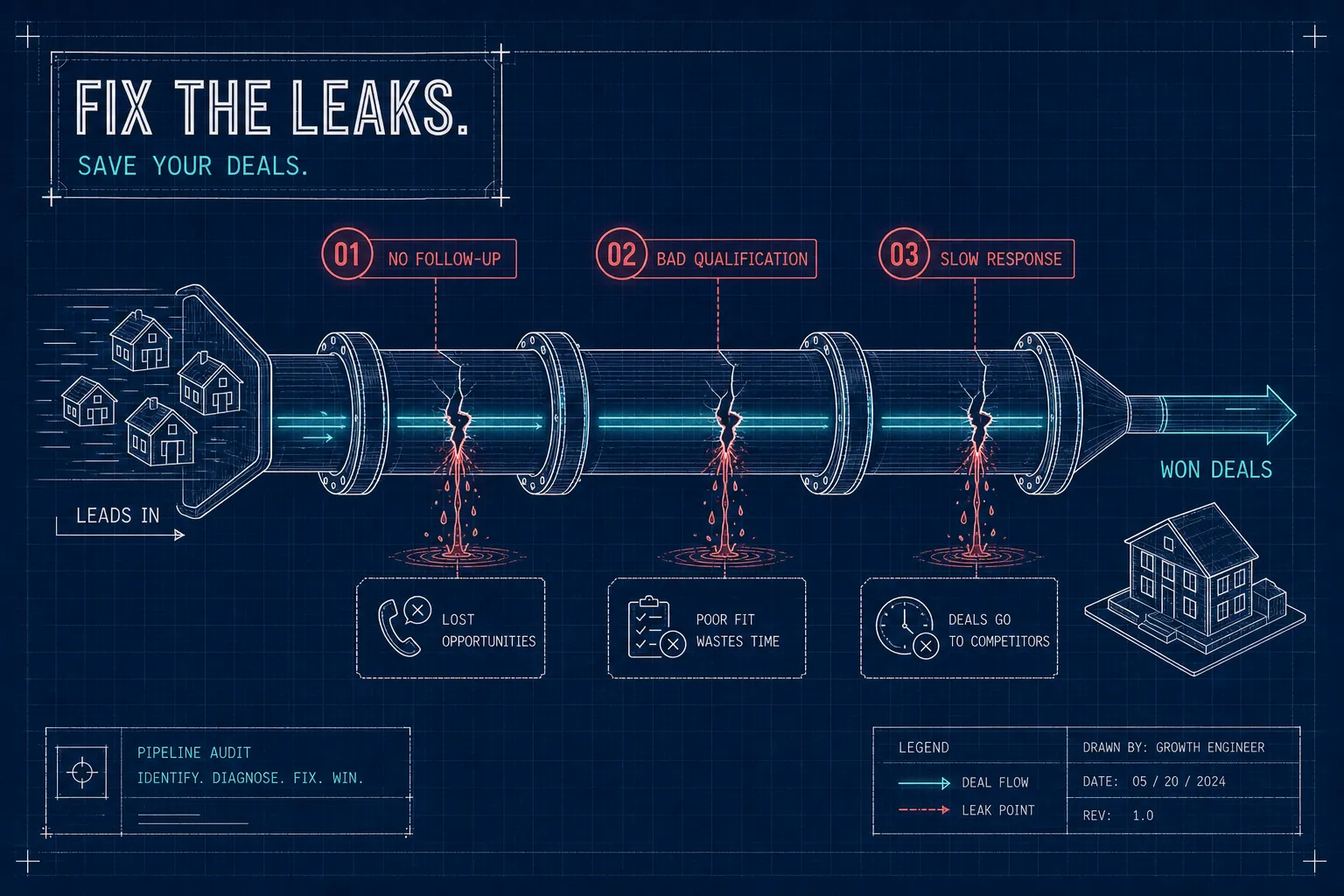
Most GoHighLevel onboarding projects don't fail because the platform is wrong for the business. They fail because the configuration sequence was wrong. DNS records get skipped. Pipelines get built before the CRM is clean. Automations fire against contacts with inconsistent tags. The result is a system that looks complete but leaks leads the moment the first campaign goes live, often because a skipped DNS step or a misconfigured routing rule was never caught before launch.
The fix isn't more time. It's the right order. At VELO, we offer a 14-day GoHighLevel deployment service for regulated industries, and the reason it's repeatable is because the sequence is locked. Every phase depends on the previous one being done correctly. This checklist maps out that exact sequence: what to configure, in what order, and what breaks downstream if you skip a step.
This guide is written for agency operators running client onboarding workflows, in-house CRM admins taking ownership of a GHL build, or anyone setting up a sub-account for the first time and wanting a framework they can repeat for every new client. By the end, you'll have a structured process, not just a list of features to click through.
What to collect before you open the sub-account
The fastest way to stall a build is starting without the right credentials in hand. DNS access, domain registrar logins, Stripe credentials, and social media account access all block progress at different stages. If you're waiting on a client to dig up their GoDaddy login on day three, you're losing time you built into the 14-day window. Get everything before day one.
There are three asset categories every GHL client setup requires. Business identity covers logo, legal business name, niche, and time zone. These populate the sub-account profile and appear in email and SMS templates, so getting them right upfront prevents a cleanup round later. Technical assets include domain registrar login, DNS access, and any existing phone numbers that need to be ported. Integration credentials cover Stripe, Google or Outlook calendar, Facebook Business Manager, and Google Ads account access. Each one blocks a specific configuration step. Some integrations, such as alternative payment processors or calendar workarounds, can be deferred depending on client needs, but the core credentials listed here are required for full functionality at launch.
Why skipping the DNS pre-check creates email deliverability problems later
LC Email SMTP setup requires five DNS records: one SPF TXT record, two MX records, one CNAME, and one DKIM TXT record. Propagation typically takes five to thirty minutes but can stretch to twenty-four hours depending on the hosting provider. If this step gets deferred to after campaign launch, the client's emails will land in spam from an unverified domain. Based on the setup failures we see most often in our audits, this DNS gap is among the most common first-month problems in any GHL client setup, and it's entirely preventable if DNS access is collected before the build starts.
GoHighLevel onboarding: sub-account configuration for days 1, 3
Creating the sub-account is the easy part. The configuration sequence is what separates a clean build from one that needs rework in week two. The correct order is: create the account, load a snapshot, configure the client profile, connect the domain, set up LC Email SMTP, register for A2P 10DLC SMS compliance, and add team members with the correct roles and permissions. Doing these out of order creates dependencies that force you to redo work. For a detailed walk-through on provisioning and best practices for a new account, refer to the ultimate guide to GoHighLevel sub-account setup.
Loading a snapshot versus building from scratch
A GoHighLevel snapshot includes pre-built funnels, automations, calendars, pipeline stages, and email and SMS templates. Loading one at account creation is faster than importing it after the fact, because the snapshot populates the account before any conflicting configurations exist. For sourcing, you have three primary options: the GHLCentral Marketplace, the official AI Agent Marketplace within the platform, or agency-built proprietary snapshots refined across previous builds. After loading, customize immediately: rename funnels to match the client's brand, update the brand voice in email and SMS copy, and assign calendar users to the correct team members.
Connecting domains, SMTP, and booking the GoHighLevel onboarding kickoff call
Domain connection requires a DNS CNAME setup with the Cloudflare proxy turned off. This detail trips up setups regularly because proxy-on is the Cloudflare default. After the domain verifies, complete LC Email SMTP verification and submit A2P 10DLC registration, which requires a privacy policy URL and a terms page on the client's domain. Without 10DLC registration, SMS sending gets blocked by carriers.
After domain verification is complete, trigger the GoHighLevel onboarding kickoff call automatically via workflow once the intake form is submitted. This live walkthrough covers the dashboard, conversations, calendar, pipeline, and reporting. Booking it manually creates problems under volume, missed scheduling windows, inconsistent handoffs, and manual overhead that compounds quickly once you're managing more than a handful of clients at once. To design consistent handoffs and reduce manual scheduling, see examples of workflows to simplify and automate client onboarding.
Pipeline stages and lead routing rules: days 3, 7
A generic pipeline template is one of the most expensive mistakes in a GHL build. "New Lead, Qualified, Closed" doesn't reflect how an insurance agency, a real estate team, or a financial services firm actually moves deals. Pipeline stages need to match the client's real sales process, and for regulated industries, that means including industry-specific stages like Application Submitted, Underwriting In Progress, and Conditionally Approved. Skipping this mapping step means the client's team won't use the pipeline, which means you have an attribution system built on no data.
Building pipeline stages that match the real sales workflow
Before creating stages in GoHighLevel, audit the client's current process by walking through how a lead moves from first contact to closed deal in their existing workflow. Then create custom fields under Settings, including Lead Source and Service Interest, before importing any contacts. This sequencing matters because inconsistent field values cause workflow misfires. Cleaning the CRM before building automations is not optional; it's the foundation everything else runs on.
Configuring lead routing and assignment rules
GoHighLevel's automation-based lead routing works through a two-step logic: tag the contact on trigger, then assign based on the tag. The trigger fires on form submission or inbound call. A tagging action categorizes the lead by source or service type. An If/Else branch reads that tag and routes to the correct rep or round-robin pool. The final action sends an immediate SMS and email notification to the assigned rep so no inbound lead sits uncontacted. For insurance and financial services clients, where even short response gaps significantly reduce qualification rates, that notification step is what makes the routing functional in practice.
GoHighLevel onboarding automation sequences: days 7, 10
The automation sequence that runs the client onboarding process is usually the last thing agencies build. It should be one of the first. This is the workflow stack that moves a closed deal through your delivery process without manual hand-offs, and it's the backbone of a repeatable setup that scales beyond the first client.
The trigger stack that starts everything
The core automation triggers on Pipeline Stage Changed to Closed Won, or on intake form submission if you're running a lighter qualification process. Instant actions send a branded welcome email and SMS with login links and next steps, and a Send Form action requests contracts and any project-specific details simultaneously.
The contact gets tagged as New Client, and the opportunity moves to a dedicated onboarding pipeline at stage Onboarding Started. Because these actions fire at once, the client receives a consistent, professional handoff without anyone on your team manually triggering anything, which is the point of building the GHL onboarding workflow correctly in the first place.
The follow-up and internal task sequence
A conditional branch fires if the intake form isn't submitted within 48 hours, sending a reminder SMS and email. A Create Task action notifies the account manager with client-specific context, not a generic notification. When the client books the kickoff call, the pipeline stage moves to Kickoff Scheduled and a 24-hour reminder sequence fires automatically. Seven days after the kickoff, a check-in sequence closes the onboarding loop and triggers a retention workflow. This structure eliminates the manual follow-up overhead that causes onboarding to break down when a team is managing more than three or four clients at the same time.
Attribution tracking: closing the loop before day 14
A GoHighLevel implementation without attribution tracking is incomplete. The client has no visibility into which ad campaigns are generating qualified leads, what the cost per booked appointment is, or where deals drop out of the pipeline. In our experience across regulated-industry builds, most agencies skip this step, which is exactly why their clients eventually question whether the system is working. At VELO, attribution gets built in from the start because revenue metrics are the only way to validate that the system delivers what it's supposed to deliver.
Connecting ad sources to pipeline outcomes
Connect Facebook Ads and Google Ads as lead sources in GoHighLevel and use UTM parameters on every paid campaign URL so source, medium, campaign, and content are captured on each form submission and calendar booking. GoHighLevel automatically maps these UTM fields to the contact record when the lead submits through a native GHL form, survey, calendar, or chat widget.
Non-GHL forms do not capture attribution data, so if any external forms are in the funnel, they need to be migrated or bridged through GTM. Every inbound contact should carry a source tag from the first touchpoint, no exceptions.
The three metrics that tell you the system is working
The three numbers that matter are cost per qualified lead, close rate by lead source, and pipeline velocity, the average days from first touch to closed deal. These surface in GoHighLevel's reporting tab once UTM fields and conversion events are wired correctly. A 14-day target is realistic for getting the client to this level of pipeline visibility, provided the sequence is followed and credentials are delivered promptly. If a client can't look at their dashboard and tell you which campaign is generating their best leads, the build isn't done yet.
Use this GoHighLevel onboarding checklist as your repeatable baseline
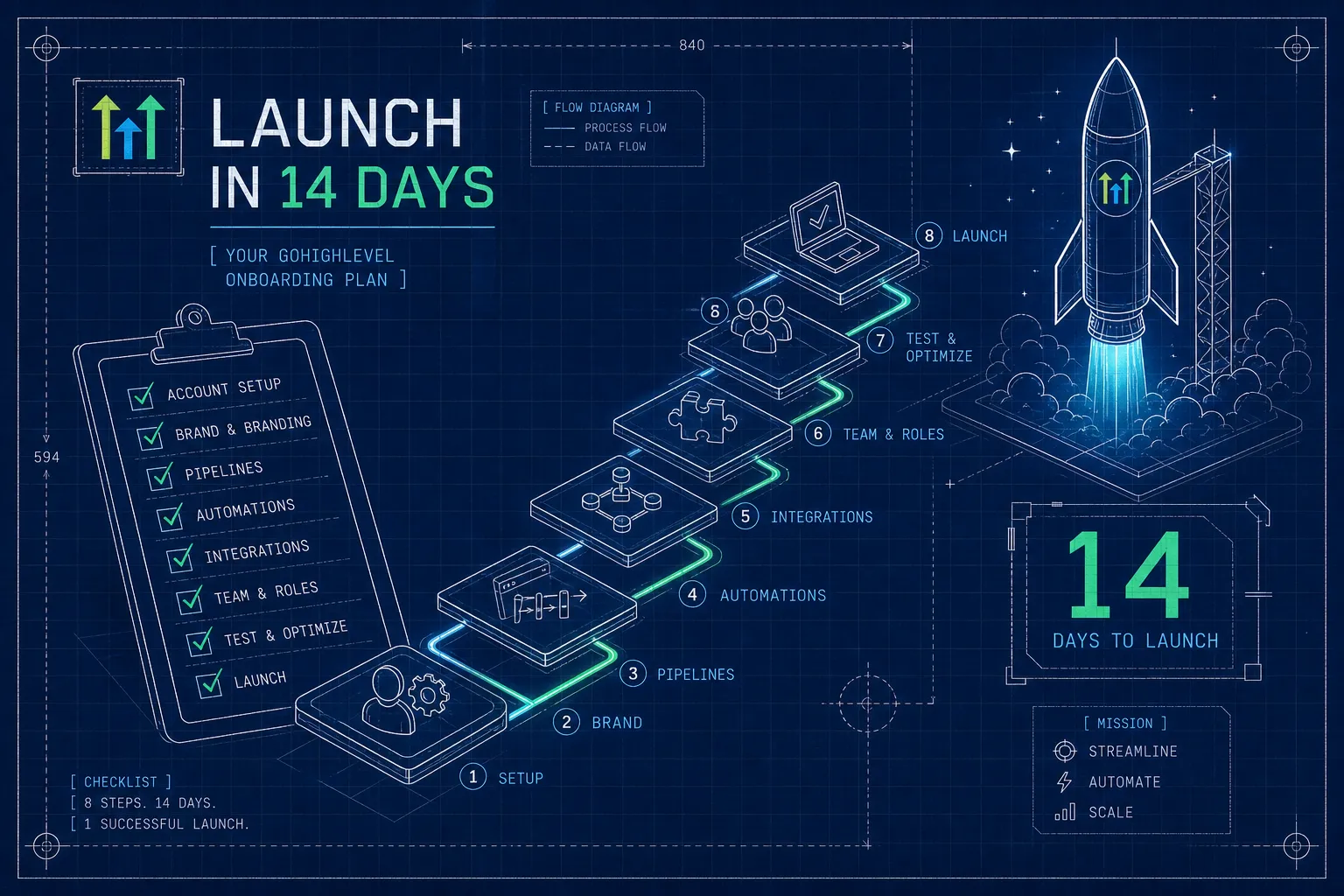
The 14-day sequence breaks down to five phases: pre-setup asset collection, sub-account configuration with snapshot loading, pipeline and lead routing setup, automation sequence deployment, and attribution tracking. Each phase builds on the previous one, and each one that gets skipped creates a compounding problem downstream.
The real value of a structured GoHighLevel onboarding process isn't the first build, it's that every client you onboard after the first one takes less time because the checklist, the snapshot, and the automation sequences are already built and refined. VELO's 14-day deployment methodology codifies this into a five-phase process designed to ship nothing broken and get clients to revenue visibility faster than a drawn-out, phase-it-in approach ever will.
For teams that want a done-for-you build or want to validate an existing GoHighLevel configuration before a campaign launch, VELO offers a free 30-minute pipeline audit with a written roadmap delivered within 48 hours. It identifies the three highest-leverage gaps in your current setup, whether that's a misconfigured routing rule, an unverified sending domain, or an attribution gap that's been running blind since the account went live. Book the audit, get the roadmap, and know exactly what needs to be fixed before it costs you another lead.